Solution Recipes
Updated Jul 21, 2026
Solution RecipesSolution Recipes
Pre-built packages that jumpstart your automation.
A solution recipe is a ready-made bundle — automations, scripts, apps, dashboards, and templates — that you can install into your company in a few clicks. Instead of building a workflow from scratch, start from a proven one and adapt it.
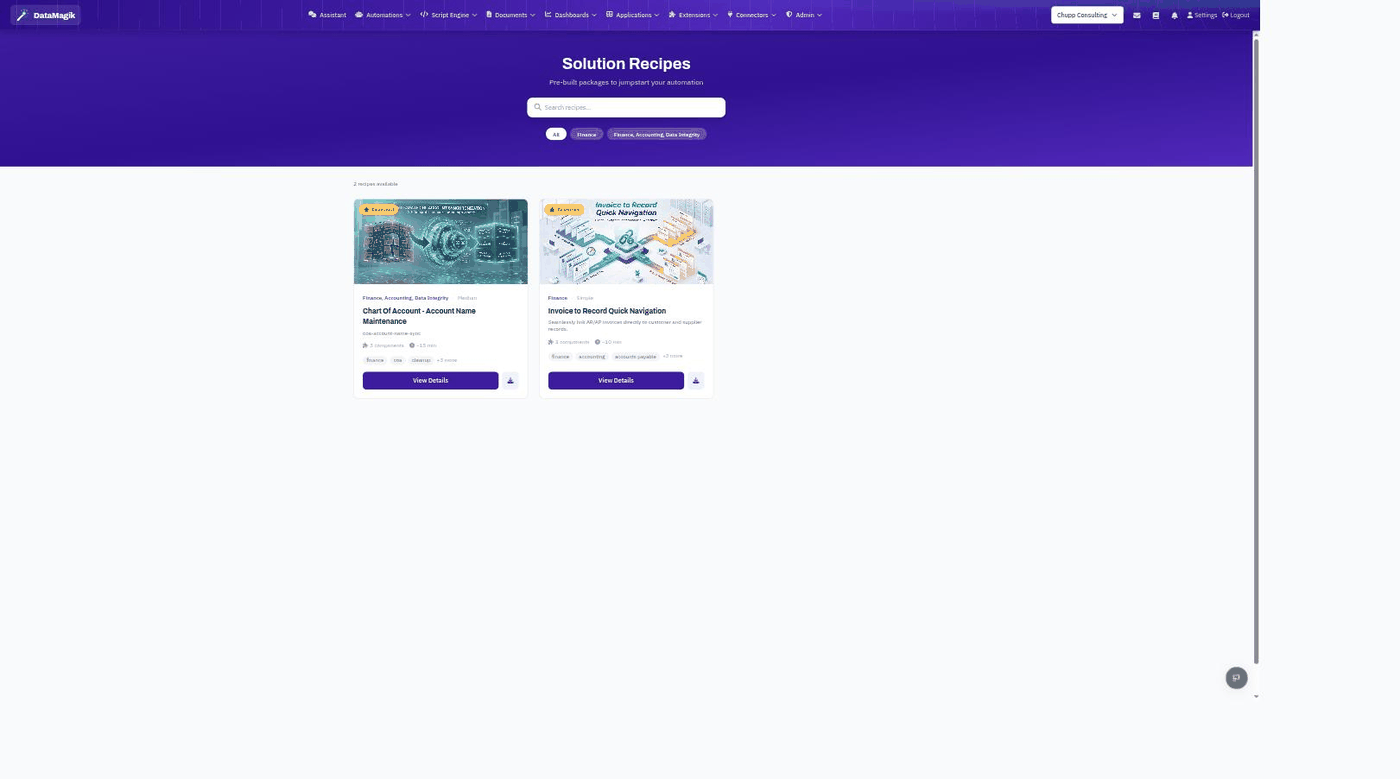
Browsing the catalog
Open Solution Recipes from the navigation. Each recipe card shows its category, difficulty, the number of components it installs, an estimated setup time, and tags. Use the search box and category filters to find one, then click View Details.
Installing a recipe
- Open a recipe and review what it includes.
- Start the install wizard.
- The wizard walks you through any choices — naming, data sources, permissions — and installs each component into your company.
- When it finishes, the new automations, apps, and templates appear in their respective areas, ready to use or customize.
Permissions: Installing a recipe adds components to your company, so it requires the Security permission.