Company User Manager
Updated Jul 21, 2026
Users, Roles & PermissionsCompany User Manager
Invite, create, and manage the people in your company and the roles they hold.
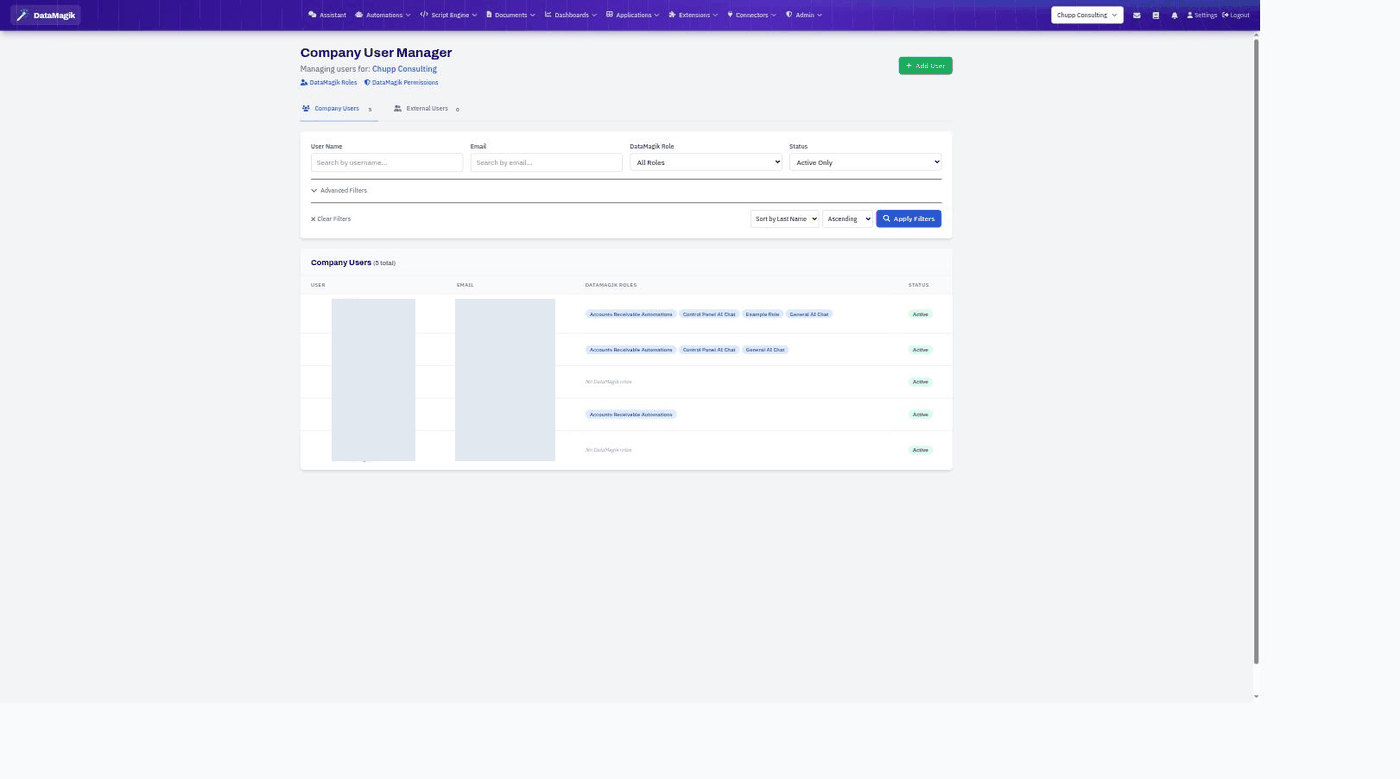
Open the Company User Manager from the Users, Roles & Permissions area. It lists everyone in your company along with their email, the DataMagik roles they hold, and their status.
Managing users
- The Company Users and External Users tabs separate your own staff from external collaborators.
- Filter by name, email, role, or status, and sort the list.
- Each row shows the user, their email, their roles (as pills), and whether they are Active.
- Add User invites or creates a new user.
- Open a user to edit their details and change which roles they hold.
Roles control access
A user's roles determine what they can see and do, so assign roles that match each person's job. See Role Manager to define roles and Users, Roles & Permissions for how the tiers work.
Permissions: Managing users requires the Security tier.