Local Databases
Updated Jul 21, 2026
ConnectorsLocal Databases
Query PostgreSQL, MySQL, or SQL Server databases on your own network — securely, from the cloud.
Open Connectors → Local Databases. A local database is a PostgreSQL, MySQL, or SQL Server database on your network, reached securely through your connector agent. Once registered and healthy, it is automatically available to scripts (localdb.query), the API, and the AI Assistant.
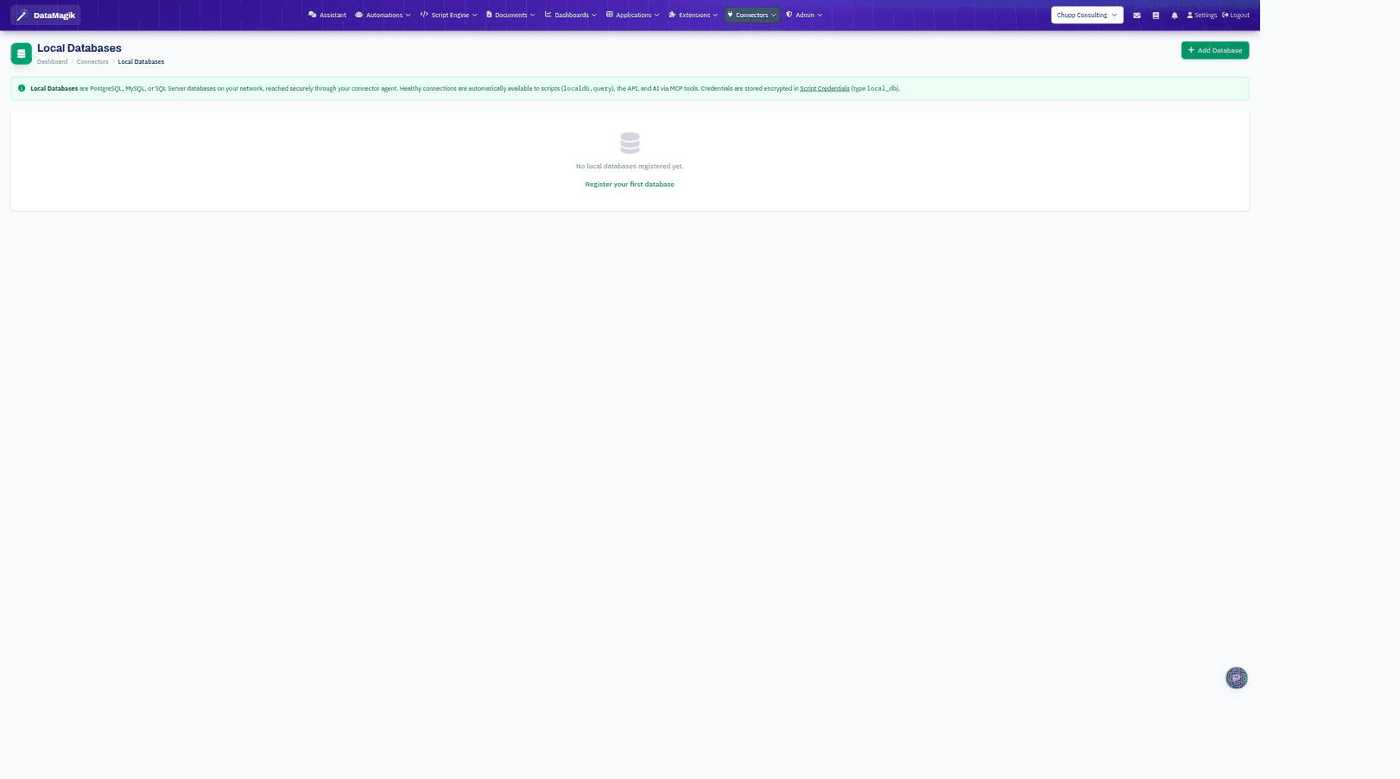
Registering a database
- Make sure a connector is installed and online at the database's site.
- Click Add Database and enter the connection details (type, host, and database name).
- Credentials are stored encrypted as a
local_dbcredential, so they are never exposed in scripts. - Once the connection is healthy, it is ready to use.
Using a local database
Registered databases can be queried from the SQL Editor, from scripts with localdb.query, and by the AI Assistant — all without exposing your network or credentials.
Permissions: Registering a database requires the Builder permission.