AI Assistant
AI Assistant
Ask questions about your data in plain language — and get answers, charts, and files back.
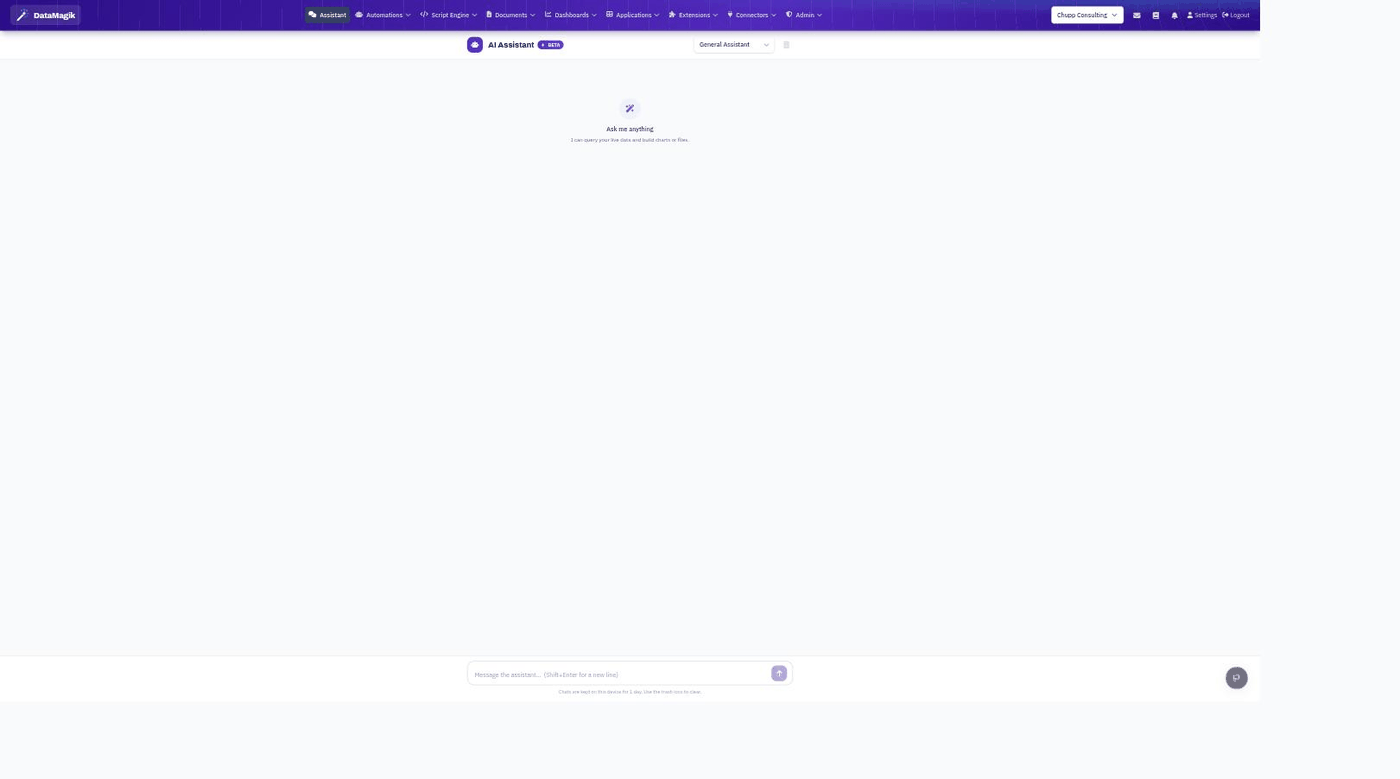
The AI Assistant is a chat assistant built into DataMagik. Open it from Assistant in the navigation bar. Ask a question in plain English and it can query your live data, build a chart, or produce a file — no SQL or scripting required.
Using the assistant
- Type your question in the message box and press Enter (Shift+Enter for a new line). An empty chat offers starter questions under Try asking.
- Choose which assistant to talk to from the selector at the top — each can be configured with its own tools and knowledge.
- The assistant can reply with text, rendered charts, and downloadable files.
Tip: Chats are kept on your device for one day; use the trash icon to clear the current conversation.
When the assistant wants to change something
Depending on how the assistant is set up, it asks before it changes anything. The request shows what it wants to do, with Approve once, Approve for this chat, Always approve or Deny with reason. Actions you chose to always approve are listed under Approved actions, where Revoke takes the approval back. Every change is recorded in the AI Audit Log.
Running AI agents from the chat
If your plan includes AI Agents, type @ in the message box to see Agents you can run. Pick one and send: the message runs that agent instead of asking the assistant. If the agent needs values, a short form asks for them before Run agent. A card follows the run with Open the run, and the result joins the conversation so you can ask about it. See When AI Agents Run.
You can also turn a conversation into an agent: Pin the steps the assistant took that you want to keep, then press Open in Workbench. See Creating an AI Agent.
Assistants & configuration
Administrators define the available assistants — what each one is allowed to do and which data it can see — on the AI Assistants screen. Your AI provider keys and model options are under AI Provider Keys; without an available model, the assistant can't respond.
Who can use it: chatting with the assistant requires the Builder or Viewer permission.