Back to Recipes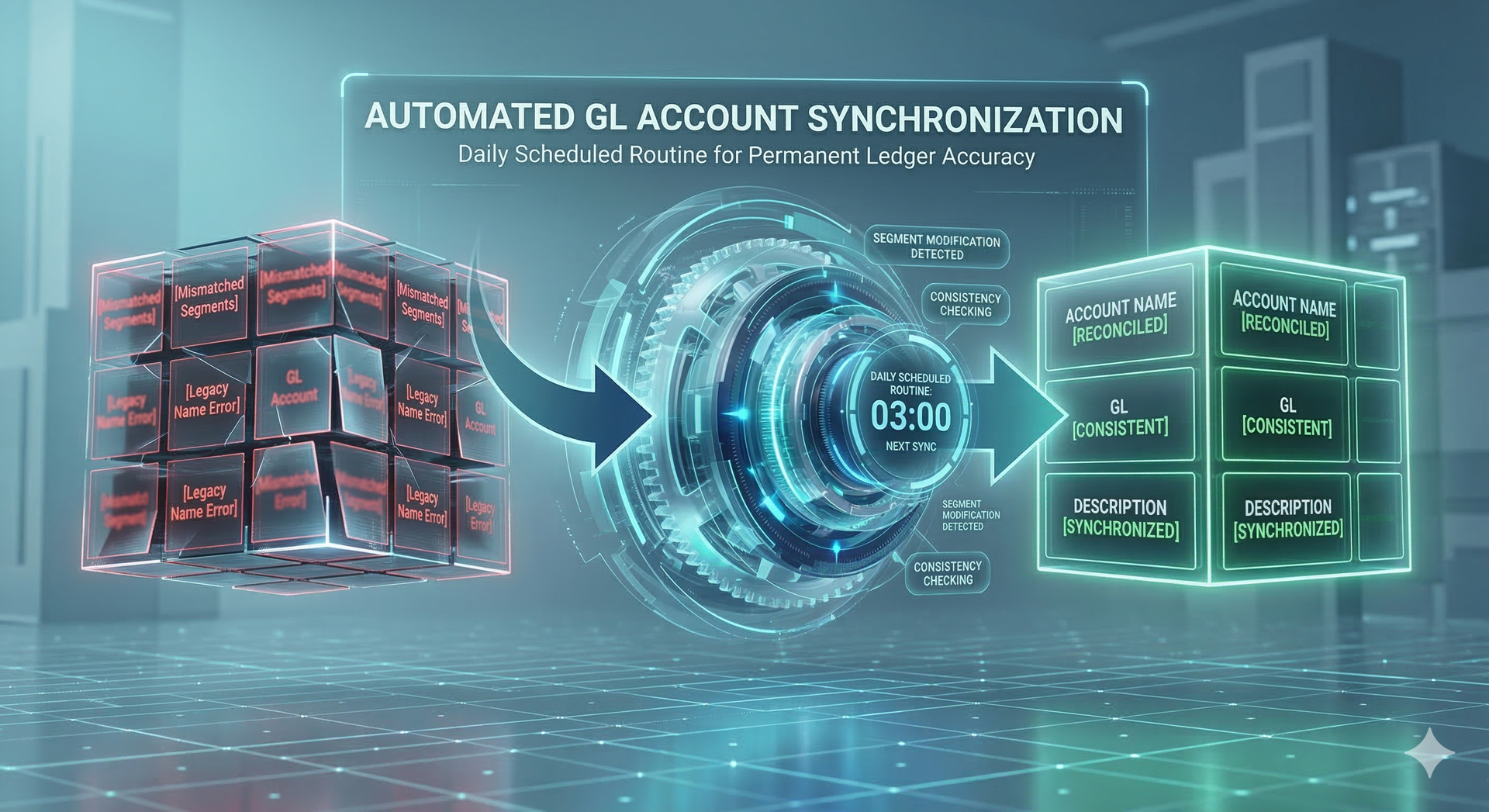
Finance, Accounting, Data Integrity
Chart Of Account - Account Name Maintenance
coa-account-name-sync
medium ~15 min setup 3 components
Overview
Automated GL Account Name Synchronization
Maintaining a consistent Chart of Accounts (COA) can be a challenge when segment descriptions are updated independently of the full account string name. This recipe provides a scheduled daily routine that scans your general ledger for discrepancies between individual segment values and the final concatenated Account Name.
How it Works
- Scheduled Trigger: Runs once every 24 hours during off-peak times.
- Data Validation: Compares the current 'Account Name' field against the actual descriptions of the underlying segments.
- Auto-Correction: If a segment has been renamed, the routine automatically re-generates and saves the updated Account Name.
This ensures that your financial reporting remains professional and accurate without requiring manual intervention every time a department or cost center name changes.
What's Included
COA Name Update Script
Updates the COA to have the current correct Name
COA Name Update ODBC Query
Correct COA Name Schedule
Configuration Steps
After installation, you'll configure:
- Database connection
- Plex company code
- Plex credential name
- Run against test or production