Back to Recipes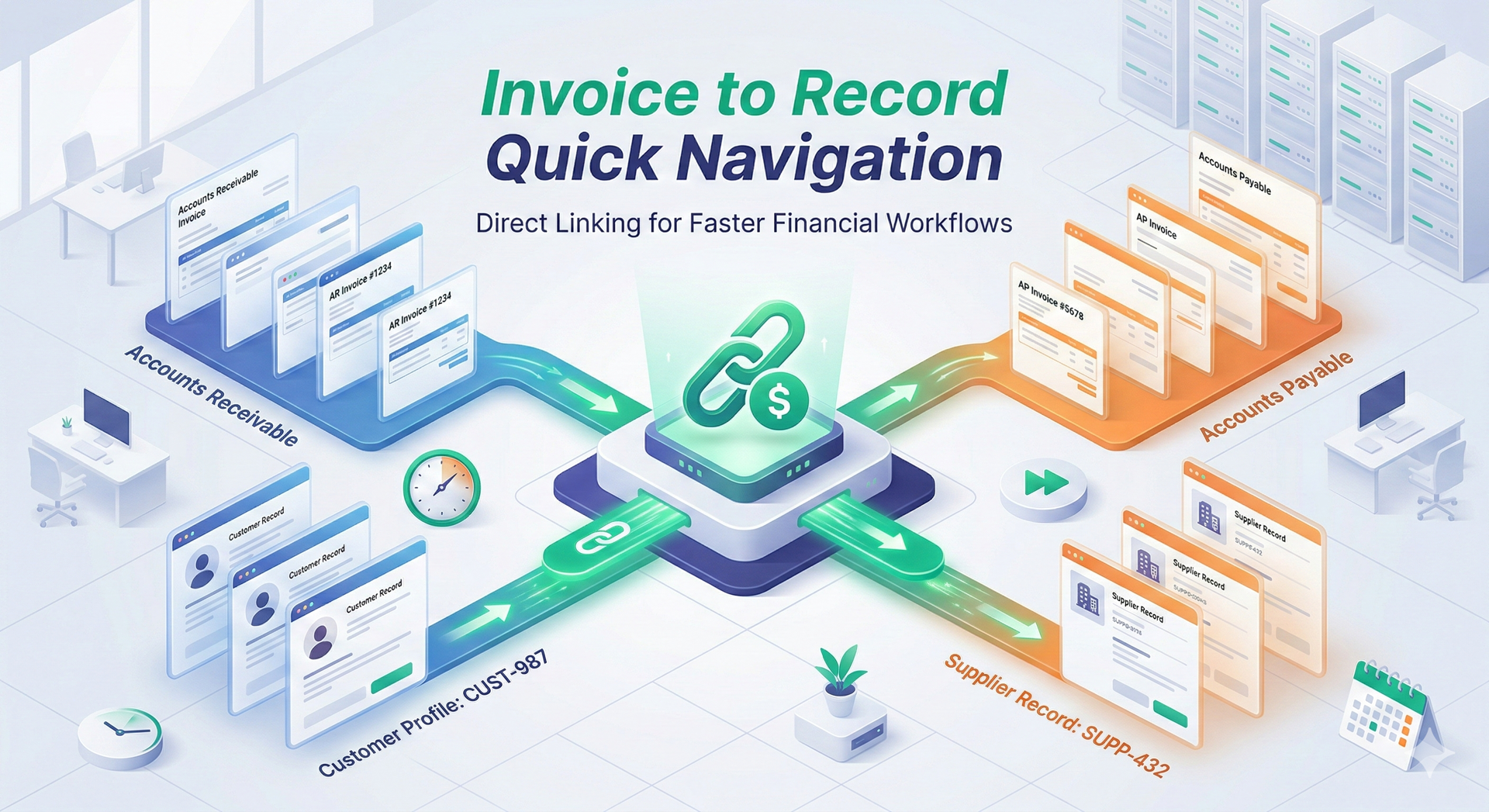
Finance
Invoice to Record Quick Navigation
Seamlessly link AR/AP invoices directly to customer and supplier records.
simple ~10 min setup 2 components
Overview
Navigating between individual invoices and their related master records can be a tedious, multi-step process. This recipe eliminates that friction by automatically generating direct, clickable links within your financial workspace.
Once set up, users can jump directly from an Accounts Receivable (AR) invoice to the associated Customer record, and from an Accounts Payable (AP) invoice to the corresponding Supplier record. This drastically reduces time spent searching through different modules and ensures your finance team has immediate context when reviewing transactions.
What's Included
🦘 Jump To Customer Automation
Navigate to Customer Record
🦘Jump To Supplier Automation
Navigate to the Supplier
Configuration Steps
After installation, you'll configure:
- Customer screen URL
- Supplier screen URL